


Skip to content
AI AutomationGet Pro

Menu

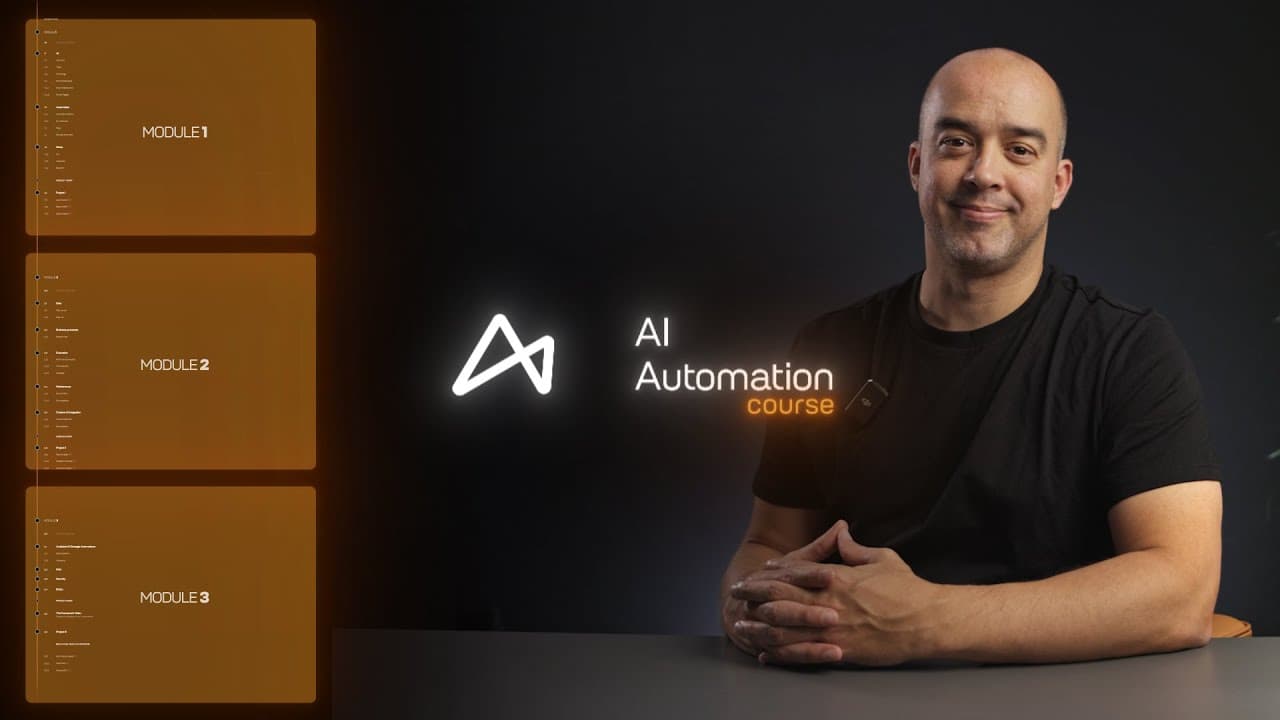
Taught by Claude Certified AI System Architects

AI Automation course.

Learn to automate business processes with AI.

In three weeks you learn to spot what to automate in a business, design the workflow, build it on no-code tools and put it to work. What you learn is platform agnostic, so it lasts as the tools change.

Start the courseGet both courses

63 spots left at these prices

Skill level
Beginner to intermediate
Time needed
About 20 hours
Course type
Choose your own adventure
Projects
9 hands-on projects
Prerequisites
None needed
Certificate
On completion

The course map

Choose your own adventure.

15 chapters on one path, 9 projects to choose from, and a library that opens a tier with each project you finish.

The course mapAI Automation

  • The course
  • What it unlocks
  • Mentorship, by application
  1. Where the path startsWelcomeMeet the platform, the community and the library. Finishing it opens Module I.9 lessonsImagine, Introduction, Welcome to AI Automation, Make the most out of this journey, Community, The AI Automation community, and 3 more
  2. Opens with Module ILive workshopsThe live sessions open when you finish the welcome, with Module I.
  3. A track beside the course1 on 1 mentorshipA mentor beside you from your idea to a working system, with feedback on your build.See it on this page
  4. Module IFoundations5 chapters, 1 project

    1. Module I, chapter 1AIWhat AI is, the types there are, and the terms you will use from here on.5 lessonsAI, What is AI?, AI types, Terminology, The AI Automation glossarySee it on this page
    2. Module I, chapter 2Prompt engineeringPrompts that return the output you want: good against bad, types, tagging and templates.5 lessonsPrompt engineering, Good vs bad prompt, Types of prompts, Prompt tagging, Prompt templatesSee it on this page
    3. Module I, chapter 3AI capabilitiesWhat AI can do for a business, with a first task to apply it.4 lessonsAI use cases, AI capabilities, Task: an email engagement strategy, QuizSee it on this page
    4. Module I, chapter 4AutomationHow an automation is put together: its anatomy, the no-code tools and Make.8 lessonsAutomation, Automation anatomy, No-code tools, No-code platforms, Make, Tools, and 2 moreSee it on this page
    5. Module I, chapter 5SetupYour tools connected and ready: APIs, webhooks, blueprints and JSON.8 lessonsSetup, Outscraper, Technical preparations, API, Webhooks, Blueprints, and 2 moreSee it on this page
    6. Project Ichoose one of 3
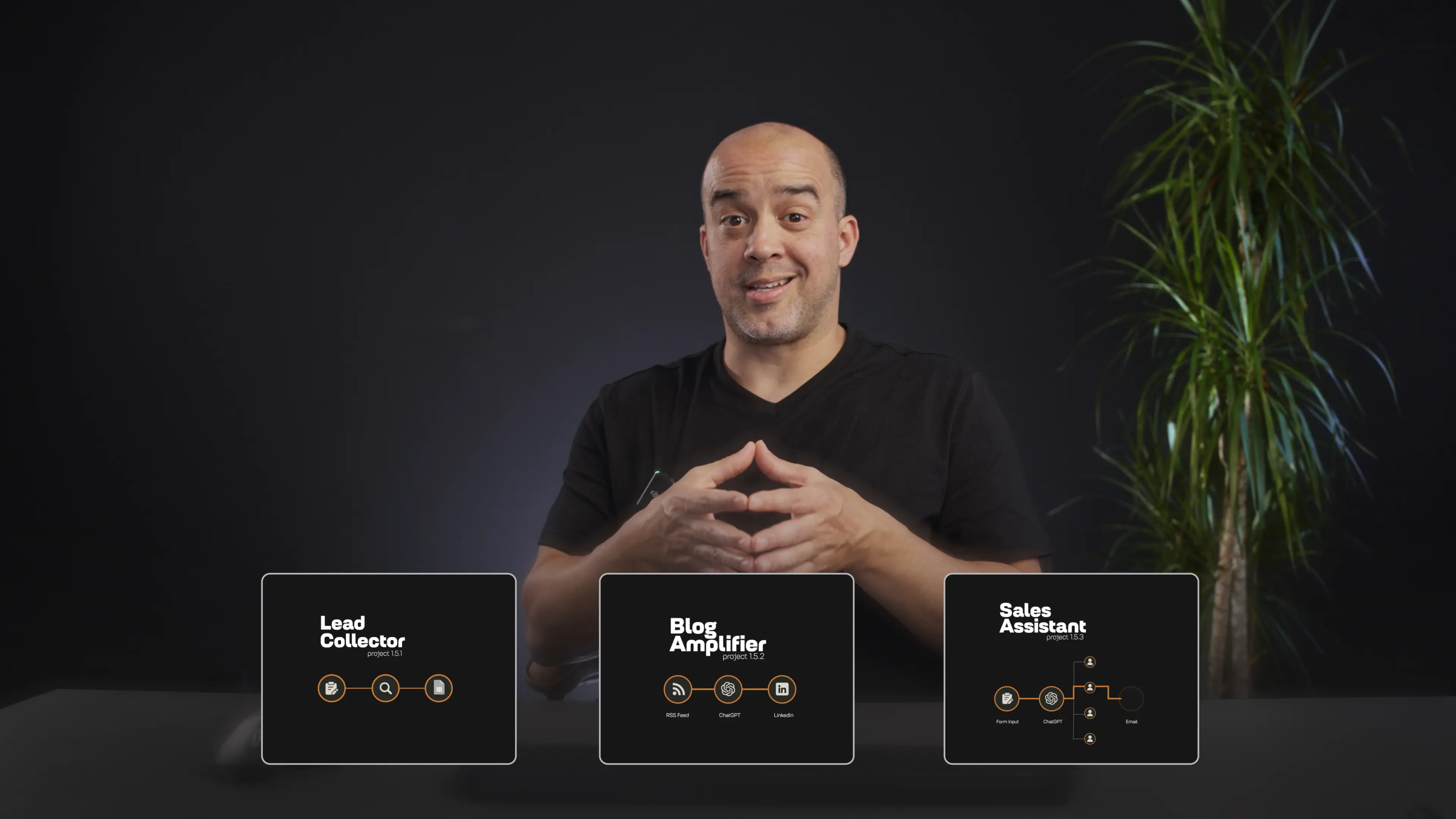
      • Project I, a choiceLead CollectorFinds businesses by niche and location on Google Maps, collects their emails and saves them to a sheet for outreach.See it on this page
      • Project I, a choiceBlog AmplifierTurns every new article on a blog's feed into a LinkedIn post with AI, and publishes it.See it on this page
      • Project I, a choiceSales AssistantReads each inquiry from a website form with AI and sends it to the right sales rep.See it on this page
    7. Unlocks as you progressTier 1 blueprintsOpen in the library when you finish Project I, with Module II.9 blueprintsAuto Blogger, Content Distribution Flow, Voice Agent, Calendar Tool, Voice Agent, ElevenLabs tutorial, Email AI Assistant, Sales Assistant, and 3 moreSee it on this page
    8. After Module I, with a mentorMentor check-upWith mentorship, you go through Module I and your project with your mentor before you move on.See it on this page
  5. Module IIPractical applications5 chapters, 1 project

    1. Module II, chapter 1DataWhere a business's data comes from and what AI can turn it into.6 lessonsData, Data sources, Data overview, Data x AI, AI transformations, QuizSee it on this page
    2. Module II, chapter 2Business processesRecognize a business process and brainstorm what to automate in it.3 lessonsBusiness processes, A framework for recognizing a business process, BrainstormingSee it on this page
    3. Module II, chapter 3EvaluationDecide what is worth building: cost analysis and scalability.4 lessonsEvaluation, Cost analysis, Scalability, The evaluation frameworkSee it on this page
    4. Module II, chapter 4Project and workflow managementKeep a workflow running: error handlers and error prevention.4 lessonsMaintenance, Error handlers, Error prevention, A guide to error handlingSee it on this page
    5. Module II, chapter 5Creative AIContent distribution and personalization, driven by data.4 lessonsCreative AI, Content distribution, Personalization, Data for creative automationsSee it on this page
    6. Project IIchoose one of 3
      • Project II, a choiceSales AmplifierRoutes every inbound lead to the sales rep with the lightest calendar, and confirms the booking.See it on this page
      • Project II, a choiceInstagram Carousel BotWrites the slides with AI, lays them over designed templates and publishes the carousel.See it on this page
      • Project II, a choiceCold Email BotFinds prospects by niche, writes a personal cold email for each with AI and sends it.See it on this page
    7. Unlocks as you progressTier 2 blueprintsOpen in the library when you finish Project II, with Module III.12 blueprintsSlideshow Video, AI Video Avatar, Podcast AI, Blog to Audio, Image Generation, Vlog to Blog, and 6 moreSee it on this page
    8. After Module II, with a mentorMentor check-upWith mentorship, you go through Module II and your project with your mentor before you move on.See it on this page
  6. Module IIIAdvanced automations5 chapters, 1 project

    1. Module III, chapter 1Analytical and strategic automationsAutomations that analyze and plan: the data, the tools, the build and forecasting.7 lessonsAnalytical and strategic automations, Analytical data breakdown, The framework for analytical automations, Analytics tools, The build, An analytics automation, and 1 moreSee it on this page
    2. Module III, chapter 2RAGHow a RAG database gives a workflow its own knowledge.1 lessonRAGSee it on this page
    3. Module III, chapter 3SecurityKeeping an automation and the data it handles secure.1 lessonSecuritySee it on this page
    4. Module III, chapter 4EthicsThe ethics of putting AI to work in a business.1 lessonEthicsSee it on this page
    5. Module III, chapter 5The frameworkOne framework for building, replicating and improving any system.1 lessonThe frameworkSee it on this page
    6. Project IIIchoose one of 3
      • Project III, a choiceEcommerce Analysis BotFinds the top-ranking competitor stores for a keyword and analyzes their SEO, positioning and content.See it on this page
      • Project III, a choiceReview Sentiment AnalysisTurns a file of product reviews into sentiment, keywords, customer personas and ideas to improve.See it on this page
      • Project III, a choiceUltimate SEO BotStudies the top pages for a keyword and writes an article that matches their structure and style.See it on this page
    7. Unlocks as you progressTier 3 blueprintsOpen in the library when you finish Project III.17 blueprintsAmazon Blueprints, Amazon Listing Optimizer, Amazon Listing Audit, POV-style Video Generator, Minecraft Video, Ultimate SEO v2, and 11 moreSee it on this page
    8. After Module III, with a mentorMentor check-upWith mentorship, you go through Module III and your project with your mentor before you move on.See it on this page
  7. The finish

    1. Project III, with a mentorBuild your own AI automationYour own idea, built as a real project with a mentor beside you.See it on this page
    2. The end of the pathCertificate of completionSigned by Anthony Lee, your program mentor.See it on this page
    3. The next courseAutonomous AI AutomationCustom AI agents, trained on a business process and run on guardrails.Waitlist openAutonomous AI Automation

Curriculum

What you learn, module by module.

Each module ends with a project you choose. Finish it to open the next module.

  1. Module 1 · 5 chapters

    Foundations

    You learn how AI works, what it can and cannot do, and how to prompt it, then start building on no-code tools.

    Foundations of AI and automation: the AI chip at the centre of a workflow
    Module IFoundations of AI and automation

    You leave this module withYour first automations, and prompts that return the output you want.

    1. 01AI
    2. 02Prompt engineering
    3. 03AI capabilities
    4. 04Automation
    5. 05Setup
    What each chapter covers
    AI
    What AI is, the types there are, and the terms you will use from here on.
    Prompt engineering
    Prompts that return the output you want: good against bad, types, tagging and templates.
    AI capabilities
    What AI can do for a business, with a first task to apply it.
    Automation
    How an automation is put together: its anatomy, the no-code tools and Make.
    Setup
    Your tools connected and ready: APIs, webhooks, blueprints and JSON.
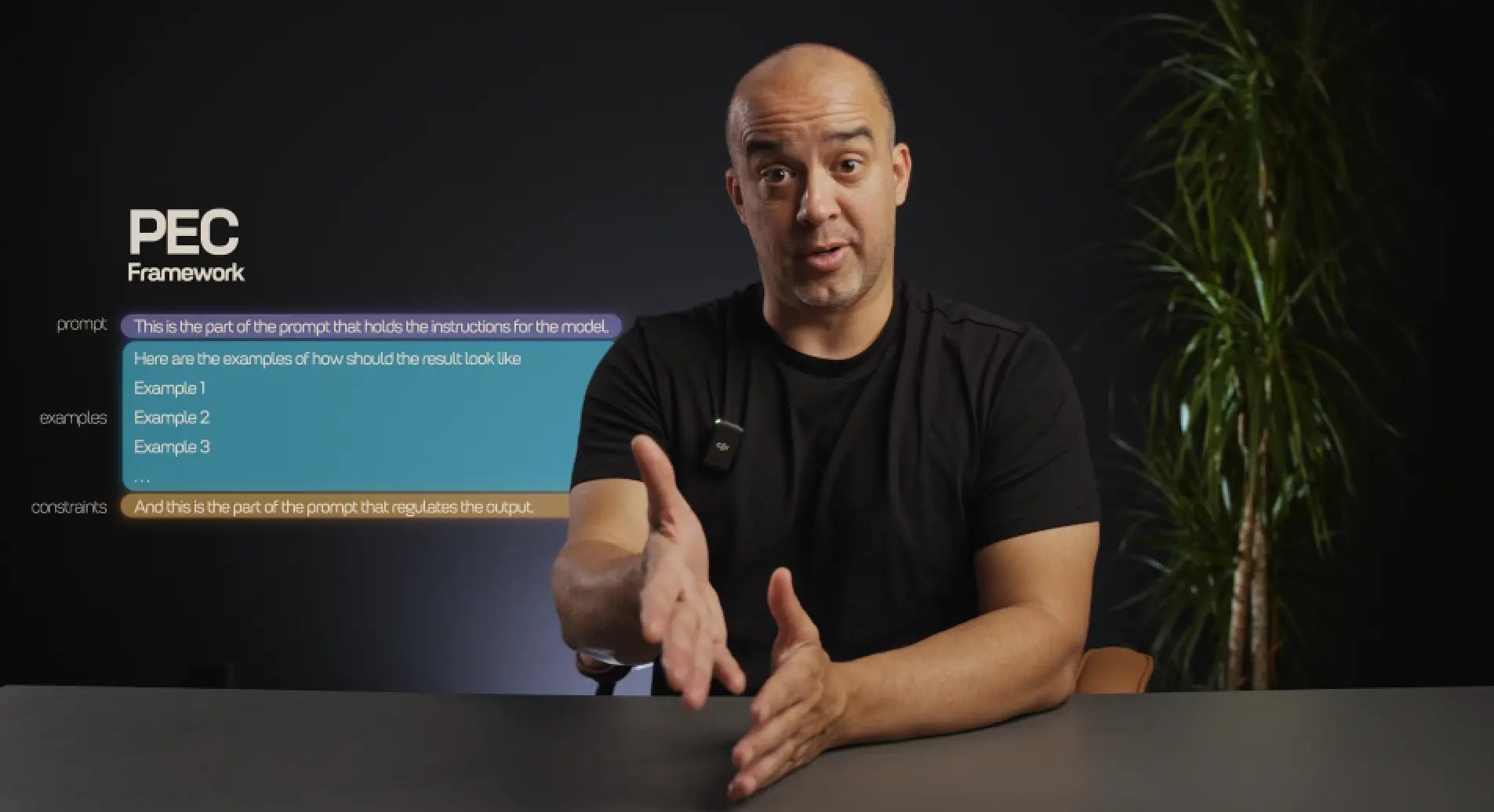
    The prompt engineering lesson: the PEC framework on screen
    Module IPrompt engineering training

    Project I: choose one

      1. Search and collect
      2. Lead sheet
      Lead CollectorFinds businesses by niche and location on Google Maps, collects their emails and saves them to a sheet for outreach.
      1. New article
      2. AI writes
      3. LinkedIn post

      Every new article

      Blog AmplifierTurns every new article on a blog's feed into a LinkedIn post with AI, and publishes it.
      1. Inquiry
      2. AI reads
      Sales AssistantReads each inquiry from a website form with AI and sends it to the right sales rep.
  2. Module 2 · 5 chapters

    Practical applications

    You learn to read how a business runs, find its weak points, and turn them into automated systems.

    The 5 chapters and Project II
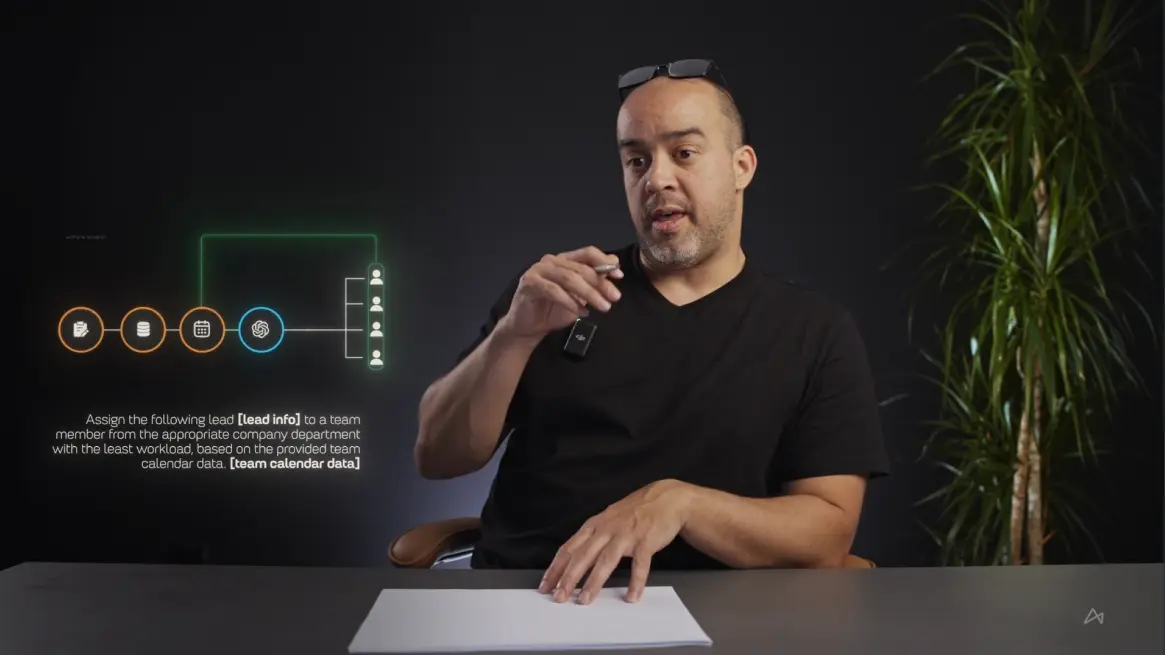
    Mapping business processes: a workflow traced step by step
    Module IIMapping business processes

    You leave this module withA business process mapped and wireframed into a system you can build.

    1. 06Data
    2. 07Business processes
    3. 08Evaluation
    4. 09Project and workflow management
    5. 10Creative AI
    What each chapter covers
    Data
    Where a business's data comes from and what AI can turn it into.
    Business processes
    Recognize a business process and brainstorm what to automate in it.
    Evaluation
    Decide what is worth building: cost analysis and scalability.
    Project and workflow management
    Keep a workflow running: error handlers and error prevention.
    Creative AI
    Content distribution and personalization, driven by data.
    Automation wireframing: the blueprint drawn by hand
    Module IIAutomation wireframing

    Project II: choose one

      1. New lead
      2. AI routes
      3. Confirmed
      Sales AmplifierRoutes every inbound lead to the sales rep with the lightest calendar, and confirms the booking.
      1. Source
      2. AI writes
      3. Designed
      4. Published
      Instagram Carousel BotWrites the slides with AI, lays them over designed templates and publishes the carousel.
      1. Prospects
      2. AI writes
      Cold Email BotFinds prospects by niche, writes a personal cold email for each with AI and sends it.
  3. Module 3 · 5 chapters

    Advanced automations

    You learn how advanced AI automations work underneath: data, logic and AI connected in one workflow.

    The 5 chapters and Project III
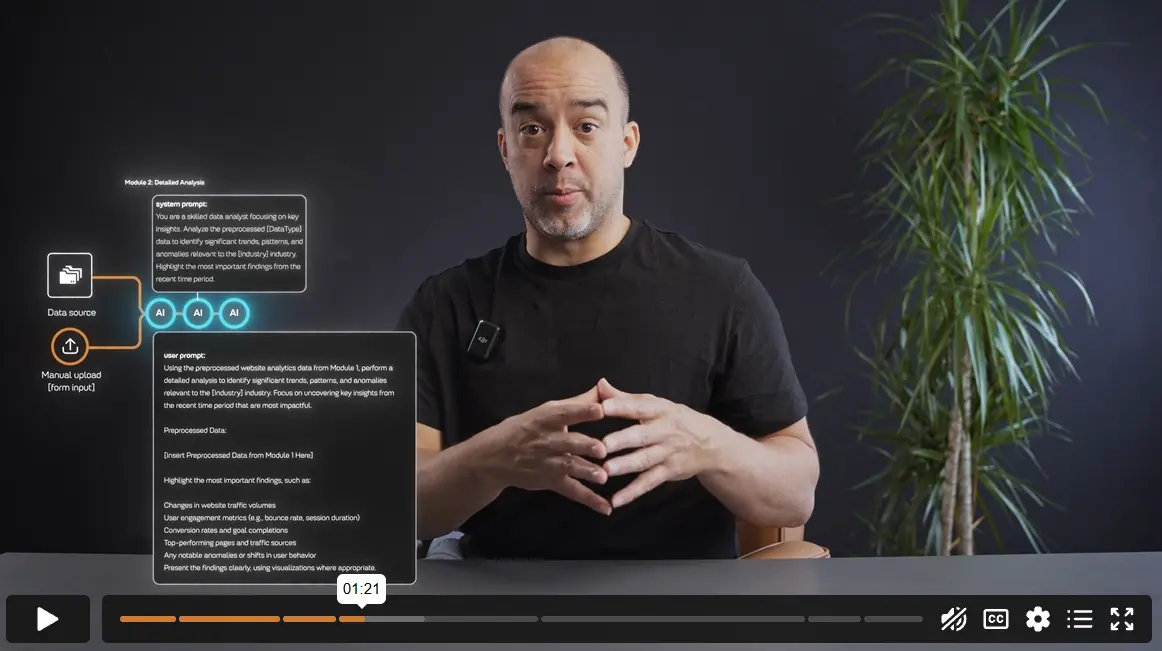
    Advanced AI automations: how RAG databases power a workflow
    Module IIIAdvanced AI automations

    You leave this module withAdvanced AI workflows, and a framework for building any system again.

    1. 11Analytical and strategic automations
    2. 12RAG
    3. 13Security
    4. 14Ethics
    5. 15The framework
    What each chapter covers
    Analytical and strategic automations
    Automations that analyze and plan: the data, the tools, the build and forecasting.
    RAG
    How a RAG database gives a workflow its own knowledge.
    Security
    Keeping an automation and the data it handles secure.
    Ethics
    The ethics of putting AI to work in a business.
    The framework
    One framework for building, replicating and improving any system.
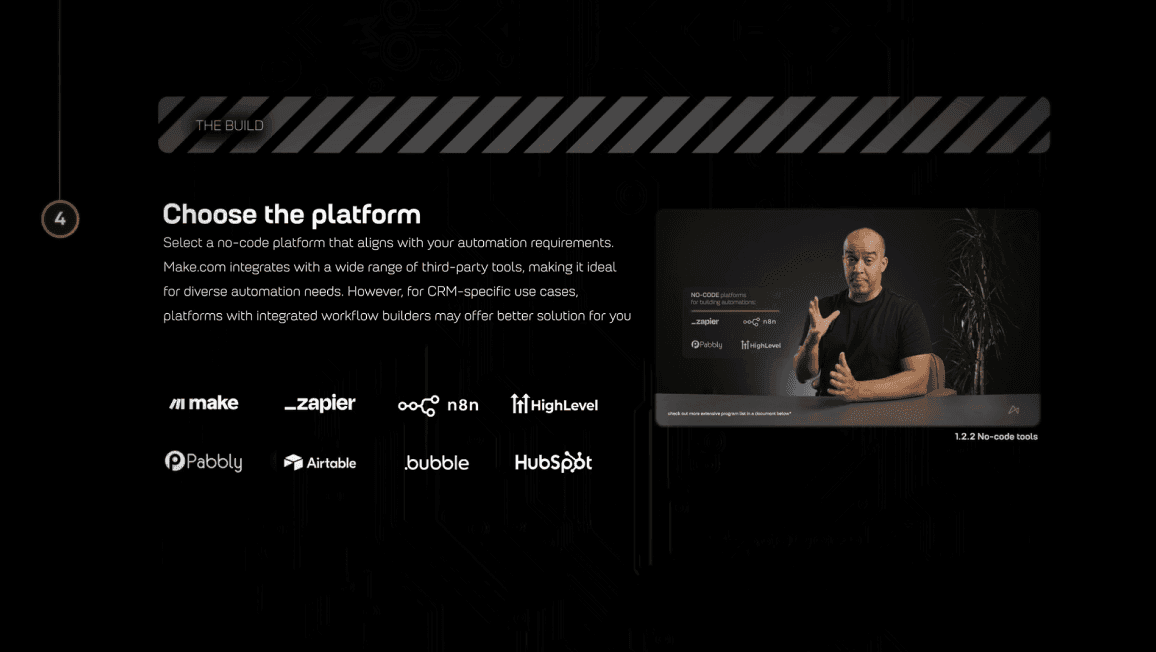
    The AI Automation framework: choosing the platform
    Module IIIThe AI Automation framework

    Project III: choose one, then build your own

      1. Keyword
      2. AI analyzes
      3. Report
      Ecommerce Analysis BotFinds the top-ranking competitor stores for a keyword and analyzes their SEO, positioning and content.
      1. AI reads
      2. Insights
      3. Emailed
      Review Sentiment AnalysisTurns a file of product reviews into sentiment, keywords, customer personas and ideas to improve.
      1. Keyword
      2. Top pages
      3. AI writes
      4. Article
      Ultimate SEO BotStudies the top pages for a keyword and writes an article that matches their structure and style.

Program guide

Read the whole course first.

  • The cover of the AI Automation program guide

    AI Automation

    AI Automation guide

    Everything the program covers, week by week, in one PDF.

    18 pages, PDF

    We email you the guide, and course news after. Stop any time.

Plans

Choose your plan.

Start with one course, get both with Pro, or build your own project with a mentor.

One course

AI Automation

$49/month for 12 months

Then lifetime access to the course. Or pay $499 once and save $89.

63 spots left at this price

Learn to automate business processes with AI workflows.

  • 3 modules, 9 projects to choose from
  • The blueprint library
  • Monthly live workshops and the community
  • A certificate on completion
Start AI Automation

7-day refund policy.

RecommendedBoth courses

AI Automation Pro

$99/month for 12 months

Then lifetime access to both courses. Or pay $999 once and save $189.

63 spots left at this price

Both courses: AI workflows first, then AI agents.

  • Everything in AI Automation
  • Autonomous AI course, new episodes as they are released
  • Every future course we release
  • Agent skills and project files to download
  • Pro-only workshops
  • Priority help when you get stuck
Get AI Automation Pro

7-day refund policy.

With a mentor

Mentorship

By application

A guided 3-week program, 1 on 1.

  • Everything in AI Automation Pro
  • A mentor on your project, with feedback at every stage
  • Build your own AI automation, from your own idea
  • Lifetime access to the blueprints, resources and network
Apply for mentorship

A short form, then a call.

What you get

What you get with the course.

  • The course

    Concrete knowledge of building AI automations on no-code tools.

    3 modules, 15 chapters, about 20 hours.

    Skills you walk away with

    • Identifying what can be automated
    • Wireframing automation ideas
    • Creating AI automations
    • Automating business processes with AI
    • Maintaining AI systems
    • Improving AI systems
  • 9 hands-on projects

    Working automations for leads, sales, content and SEO. Each one is built step by step, and it is yours to use.

    • Lead Collector
    • Blog Amplifier
    • Sales Assistant
    • Sales Amplifier
    • Instagram Carousel Bot
    • Cold Email Bot
    • Ecommerce Analysis Bot
    • Review Sentiment Analysis
    • Ultimate SEO Bot
  • 50+ AI automation blueprints

    Built by our architects. Import one, adapt it and put it to work.

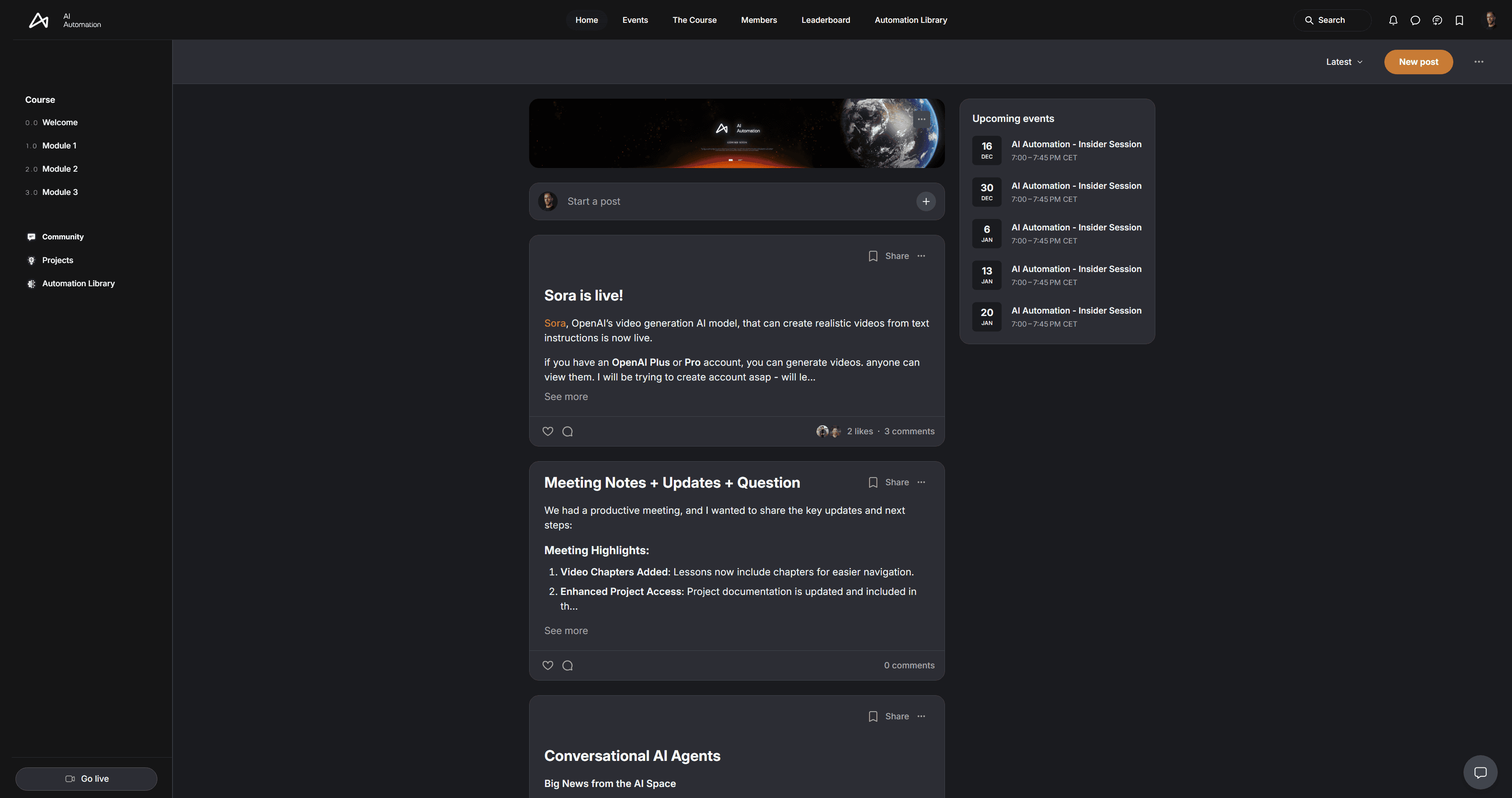
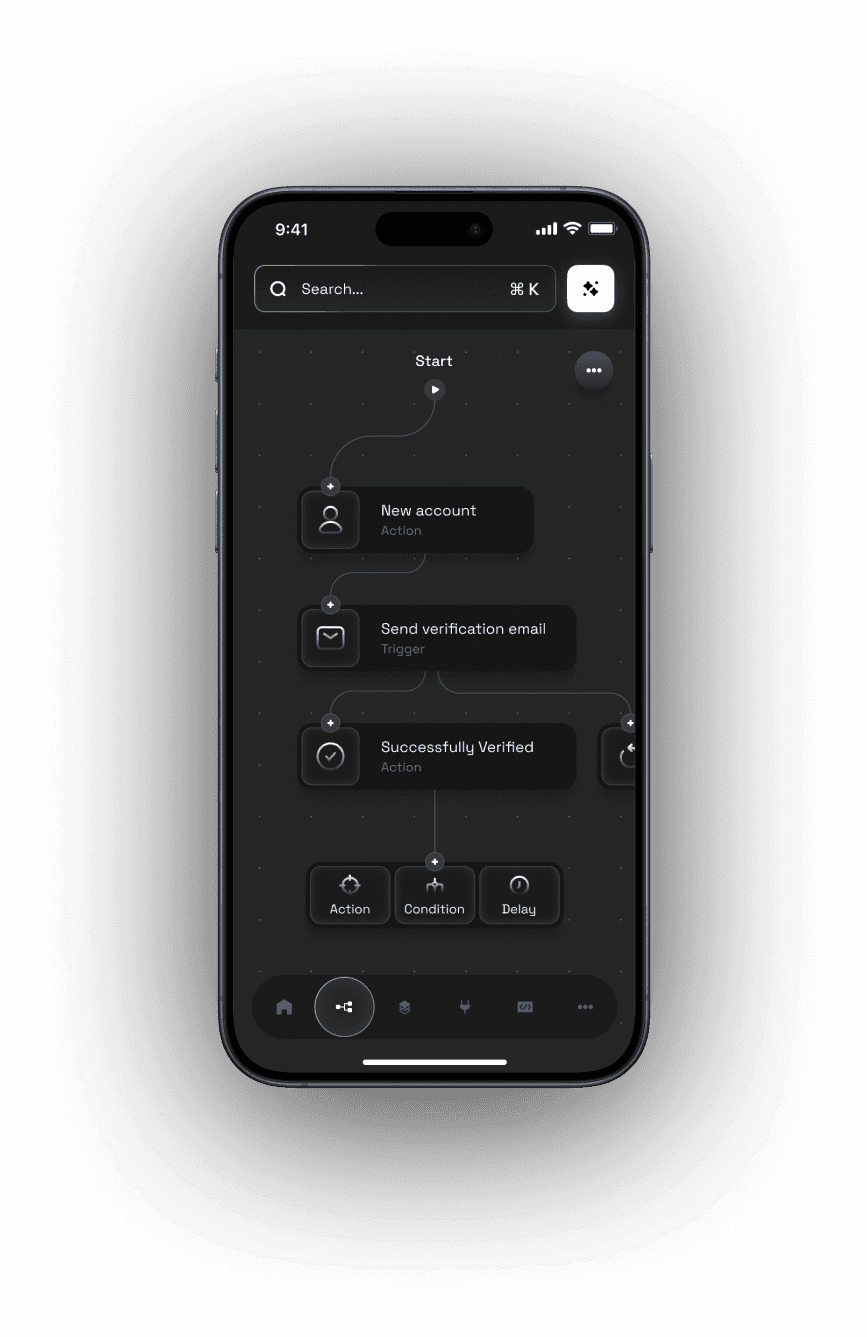
  • The AI Automation platform: the course modules, the community feed and upcoming live sessionsAn automation workflow open in the platform's mobile app

    A community for support

    Entrepreneurs, specialists and AI automation experts, on the platform and in its mobile app. If you get stuck, the team helps you troubleshoot or reviews your automation.

  • Lifetime access to the program

    Every lesson, resource and update stays yours after your last payment.

  • Monthly live workshops

    Hands-on sessions where you build alongside the team.

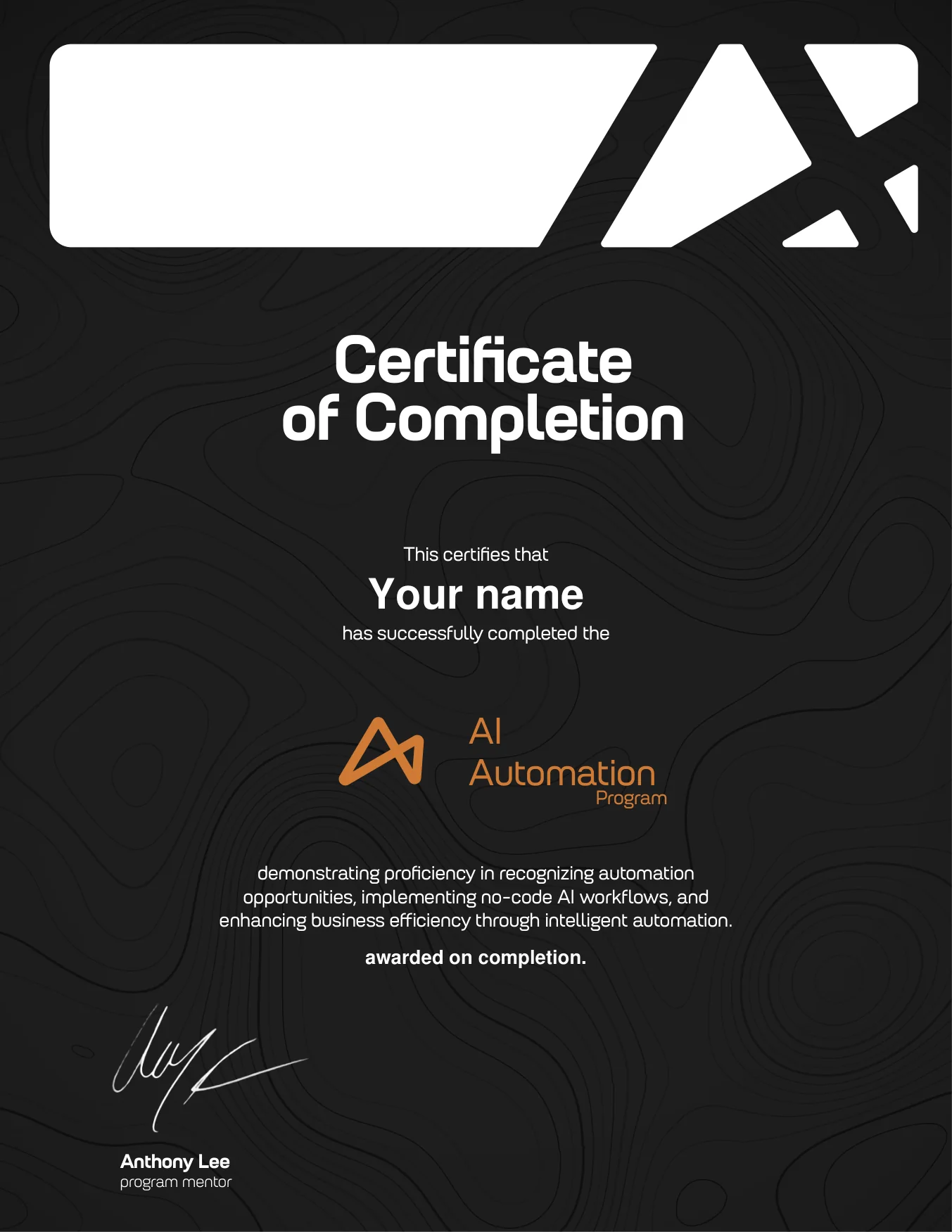
  • A sample AI Automation Program certificate of completion, signed by Anthony Lee, program mentor

    A certificate of completion

    Proof you can build it, signed by your program mentor.

Anthony Lee teaching Project I, with the three projects to choose fromAnthony LeeAI SEO researcher, tool builder, agency partner

Your instructor

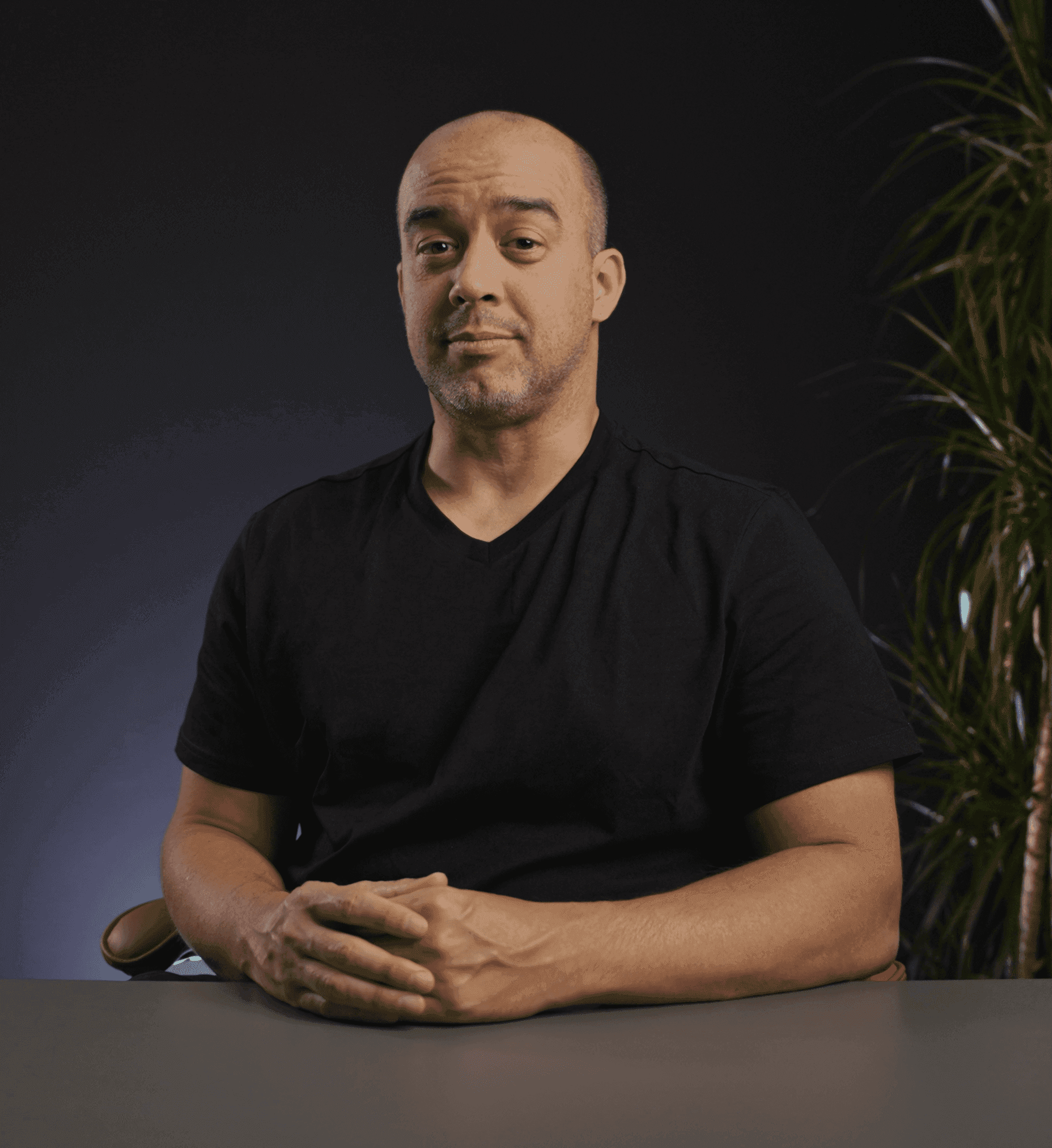
Taught by Anthony Lee.

Anthony teaches the course on camera, from your first automation to the framework behind every system you build.

  • On camera in all three modules
  • Runs the build-along sessions
  • Signs your certificate as program mentor

Your mentors

Meet your mentors.

Anthony and Luka mentor both courses. Mentorship is by application.

Anthony Lee, program mentorMentor

Anthony Lee

AI SEO researcher, tool builder, agency partner

From Amazon algorithm work to AI search and the tooling around it. He runs the build-along sessions and mentors the final project, from the idea to something that runs.

TeachesAI Automation

Luka Madzarac, Claude Certified AI System ArchitectMentor

Luka Madzarac

Claude Certified AI System Architect

A decade in brand film, motion design and web, then he built the agent system his own studio runs on. He mentors the creative side: production, web builds, and the agents behind them.

TeachesAutonomous AI Automation

  • It's one of the most beautiful courses I've ever experienced. The graphics The animation The resources

    Dave KatagueMultidisciplinary Creative & AI Strategist · Course student

    Dave Katague on LinkedIn (opens in a new tab)
  • Value-packed course and next-level community. Luka and Anthony go above and beyond, constantly sharing real-time tips, insights, and blueprints that are immediately useful. I'm genuinely grateful to have been part of this experience. Wishing the whole team continued success!

    Rio GonzalesHead of Operations · Course student

  • Very good program. Totally worth it the investment. It requires a lot of focus and dedication but the outcomes are very good!

    Giuseppe MiloProduct & Growth Manager · Course student

    Giuseppe Milo on LinkedIn (opens in a new tab)
  • I'd recommend this program to anyone whether they're looking to streamline their personal tasks or scale automation inside of their own business, because this program truly covers everything you need to become an automation master.

    Jamar JonesMarketing Agency Founder & CEO · Course student

  • It is an excellent community for learning AI workflow automations! The course content is high quality alongside support from the community.

    Wajeeh QSolo Entrepreneur · Course student

  • Great minds sharing innovative information as it develops in the fast developing industry of AI

    Claude Edwin TheriaultSolo Entrepreneur · Course student

    Claude Edwin Theriault on LinkedIn (opens in a new tab)

More

More about the course.

Your path

From a business process to a running AI system, in three weeks.

Your path

From a business process to a running AI system, in three weeks.

  1. NowChoose a business process to automate
  2. Module IUnderstand AI and build your first automations
  3. Module IIMap a business and design the system
  4. Module IIIBuild advanced AI workflows
  5. Week 3Build custom AI automations of your own
The program

The course, the library and a mentor.

The program

The course, the library and a mentor.

The course and the blueprint library come with every plan. Mentorship is by application.

    1. Foundations of AI and automation: the AI chip at the centre of a workflowModule IFoundations5 chapters, 1 project
    2. Mapping business processes: a workflow traced step by stepModule IIPractical applications5 chapters, 1 project
    3. Advanced AI automations: how RAG databases power a workflowModule IIIAdvanced automations5 chapters, 1 project

    Part 01

    The AI Automation course

    Three modules, with 9 projects to choose from.

  1. The Sales Assistant blueprint from the blueprint library: a form inquiry, read by AI, sent to the right sales repBlueprintSales Assistant

    Part 02Included

    The blueprint library

    Ready-to-use automation and agent blueprints you import, adapt and put to work.

  2. Anthony Lee, program mentorAnthony LeeLuka Madzarac, Claude Certified AI System ArchitectLuka Madzarac

    Part 03By application

    1 on 1 mentorship

    Build your own AI automation as a real project, with Anthony or Luka beside you.

The method

Five steps, from idea to running system.

The method

Five steps, from idea to running system.

In the final project you use all five steps on an idea of your own.

  1. 01SpotFind the work in a business that is worth automating.Module II
  2. 02MapTrace how the process and its information flow today.Module II
  3. 03WireframeTurn the analysis into a blueprint of data, actions and AI.Module II
  4. 04BuildBuild it on no-code tools, with AI where it does the thinking.Modules I to III
  5. 05Run and improvePut it to work, replicate it and make it better.Module III
The final project, with mentorship

Build your own AI automation.

Build your own AI automation: the final project

The final project, with mentorship

Build your own AI automation.

With a mentor beside you, you design and launch an AI automation or agent.

  • Your own idea, built as a real project
  • 1 on 1 guidance from the idea to a working system
  • Feedback on every stage of your build
  • Part of mentorship, by application
Certificate

Finish with proof you can build it.

A sample AI Automation Program certificate of completion, signed by Anthony Lee, program mentor
Sample

Certificate

Finish with proof you can build it.

  • It certifies that you can recognize automation opportunities, implement no-code AI workflows and make a business run more efficiently
  • Signed by Anthony Lee, your program mentor
  • Earned on completion, and included in the course
Workflows first

Not everything should be an AI agent.

Workflows first

Not everything should be an AI agent.

Most business processes run best as a workflow: the same steps, the same result, every time.

  1. Level 1

    AI automations

    Workflows that run a process, with AI doing the thinking.

    AI AutomationThis course

Is it right for you?

Made for people who want to build, not just watch.

Is it right for you?

Made for people who want to build, not just watch.

  • Apply AI to your work

    Bring AI automation into the skills and the business you already have.

  • Train your team

    Onboard staff and new members through hands-on, real projects.

  • Start your own AI business

    Build complete AI systems with us, and learn to offer them to clients.

FAQ

Questions before you start.

$49/month for 12 months, or $499 once

Start AI Automation
Get AI Automation Pro

Both courses in one plan. From $99/month.

  • 7-day refund policy.
  • Lifetime access
What will I learn?

How to automate business processes with AI, without code: what to automate, how to use AI tools like GPT inside a workflow, how to build it on platforms like Make.com, and how to connect it to the apps you already use. By the end you can design, build and launch automations of your own.

Do I need any prior experience?

No. The course starts from the foundations and builds to advanced AI systems, one project at a time.

Which platform do you teach on?

Platform agnostic. Tools keep changing; the principles of automation do not. You learn to read the process, choose the right tool for each case, and build systems that adapt as the tools change.

What do I need to get started?

A laptop and an internet connection. We guide you through setting up everything else, step by step.

How long does it take?

Three weeks, at around an hour a day. It is flexible: go faster or slower.

Are the lessons practical or theoretical?

Practical. Every lesson is built around real examples, tools and projects you will actually use.

How do I sign up?

Pick a plan and check out: AI Automation on its own, or AI Automation Pro for both courses. Mentorship is by application: a short form, then a call, so we can make sure it is the right fit.

How do the payments work?

A course, or AI Automation Pro for both, is 12 monthly payments, or one payment. AI Automation is 12 payments of $49, or $499 once. Autonomous AI Automation, when it opens, is 12 payments of $79, or $799 once. AI Automation Pro is 12 payments of $99, or $999 once. After the last payment you have lifetime access. If a payment is missed, access is paused until the plan is up to date.

Terms of Service

Will I pay for other tools or services?

We teach the most cost-effective tools. Some advanced automations need paid software when they connect through APIs, and the program shows you the affordable options.

What kind of projects will I build?

Real, working automations you can use in your business. With mentorship you go further: you design and build your own AI automation from scratch, guided by a mentor.

What support do I get?

The private community and monthly live workshops for questions and feedback. If you get stuck, the team helps you troubleshoot or reviews your automation. AI Automation Pro adds priority help, and mentorship adds 1 on 1 guidance.

What is your refund policy?

Refunds are available within 7 days of purchase, provided you have not downloaded any course assets: blueprints, documents, videos or other resources.

Terms of Service

Can I get both courses?

Yes. AI Automation Pro includes both courses in one plan, and every course we release later. You pay 12 payments of $99, or $999 once, and you have lifetime access to both. AI Automation is open now, and you get each Autonomous AI Automation episode as it is released. It also adds the agent skills and project files to download, Pro-only workshops and priority help.

Will my price go up later?

No. A plan keeps the price it started at until its last payment. Prices go up only for new members, after the first 200.

AI Automation

Build AI automations for real business processes.

Inquiries routed, leads booked, cold emails sent: built with AI, on the apps a business already uses.

  • 3 modules, 9 projects to choose from
  • The blueprint library
  • Monthly live workshops and the community
  • A certificate on completion
Value-packed course and next-level community.Head of Operations, course student

AI Automation

$49/month for 12 months

Then lifetime access to the course. Or pay $499 once and save $89.

63 spots left at this price

Start AI Automation
Get AI Automation Pro

Both courses in one plan. From $99/month.

7-day refund policy.

Want to read first? Get the program guide by email.

We email you the guide, and course news after. Stop any time.

What lifetime access covers

  • All resources and program assetsEvery lesson, project and blueprint in the course.
  • Updates to the courseWhat we add to it or improve in it is yours too.
  • Support on the platformAsk your questions where the course and the community are, for as long as we offer them.
AI Automation, $499 or 12 × $49Start the course
Get Pro